01 · Start here
Let’s get your loop moving again.
Twice Around is a calm spatial puzzle for iOS and Android. The current project version at the time of this guide is 1.0.0.
For the fastest investigation, include your device model, iOS or Android version, game version, what you expected, what happened instead, steps that reproduce it, and a screenshot if useful. Never send passwords or full payment-card information.
02 · How to play
Turn the strips. Find the connection.
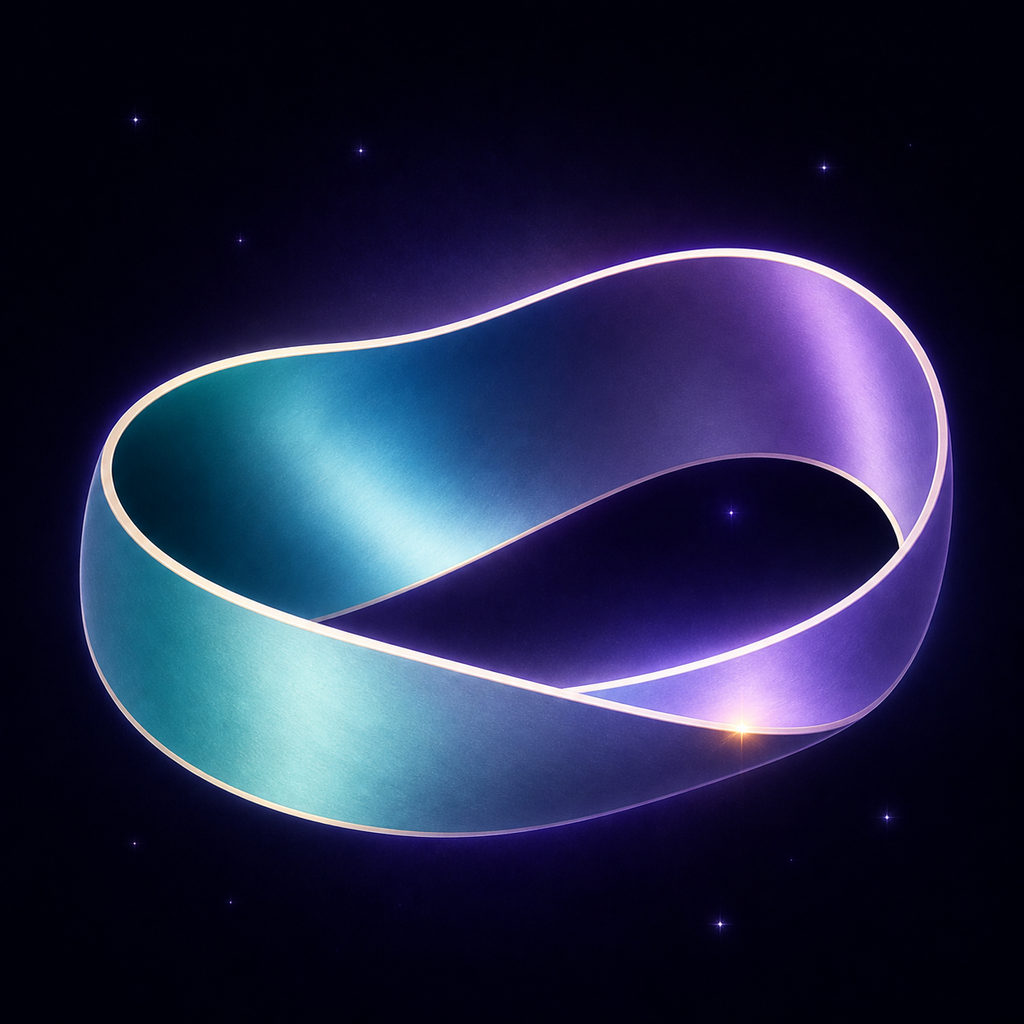
Each round asks you to assemble a continuous Möbius loop from separate strips:
- Choose a strip and tap it to turn.
- Drag one end toward a glowing connection point.
- Join opposite-colored ends and continue until every strip forms one loop.
Completing a loop advances to a larger one with more strips. A failed connection resets the current run, so take a moment to inspect both sides before joining them.
A strip turns when I meant to drag it
Begin the drag from one of the strip’s ends and move deliberately toward the glowing target. A short press without enough movement is treated as a tap and turns the selected strip.
Why will two ends not connect?
The two joining ends must have opposite colors and the dragged end must reach the active glowing connection point. Turn the strip until its orientation and end color match the open side.
03 · Technical help
If the game will not open or respond.
The game freezes or will not finish loading
- Fully close Twice Around and open it again.
- Restart your phone or tablet.
- Install the latest available game update and operating-system update.
- Confirm the device has free storage and is not in an unusually restrictive power-saving mode.
If the problem remains, contact us before reinstalling because your best score and preferences are stored locally.
What devices are supported?
The current project targets iOS 15 or later and Android 7.1 or later. Store availability may also depend on the hardware and requirements of the distributed build.
Music is missing
Use the music control on the main screen or in the game menu and confirm music is enabled. Also check the device’s media volume, silent mode, and connected audio output.
04 · Scores & local data
Your best loop lives on this device.
Your best score is the highest number of strips in a loop you have completed. Twice Around saves that number locally and displays it on the device.
Do not uninstall or clear app storage while troubleshooting a missing score. Either action can permanently remove the local score and preferences. Fripple Studios cannot restore them from a server.
Can I transfer my best score to another device?
Not currently. Twice Around does not use player accounts, cloud saves, or cross-device syncing.
Does Restore Purchases restore my score?
No. It restores eligible cosmetic purchase ownership through the app store. Scores and preferences are separate local data.
05 · Sharing
Share your best completed loop.
The Share button does not send anything
Complete at least one loop first. The Share button prepares a message using your best completed strip count and opens the iOS or Android share sheet. You still need to choose a destination and finish sending it there.
Sharing is unavailable
Close and reopen the game, then confirm at least one compatible sharing app is installed and enabled. Updating the game and operating system may also help. If the system share sheet still does not open, send us your device and OS details.
Sharing is optional. Fripple Studios does not receive the score message or learn which destination you select.
06 · Cosmetics
Change the mood, not the rules.
Open Customize to choose a loop palette and completion trail. Six static-color palettes are included for free. The optional Palette Collection unlocks three moving-gradient palettes—Opal Drift, Glacial Current, and Gilded Reverie. The optional Trail Collection unlocks Stardust, Aurora Ribbon, and Cometlight completion trails.
Premium cosmetics are visual only. They do not alter puzzle difficulty, scoring, or progression.
07 · Purchases
Restore through the same store account.
In Customize, choose Restore Purchases while signed in to the same Apple App Store or Google Play account that made the original purchase. The store must confirm ownership before the collection can be restored.
I was charged but the collection is locked
Check the purchase history for the active store account, then use Restore Purchases with an internet connection. If it remains locked, email support with the platform, app version, collection name, approximate purchase date, and the store’s non-sensitive order reference. Do not send full card information or your store password.
Why are store buttons temporarily unavailable?
The app may still be connecting to the store or completing another purchase or restoration check. Confirm your connection, wait a moment, and try again. Availability and localized prices come from Apple or Google.
Can I use unlocked cosmetics offline?
After the store confirms ownership, the app keeps a local entitlement cache so cosmetics can remain available offline. If you reinstall or clear app storage, reconnect and use Restore Purchases.
08 · Privacy
Designed with a small data footprint.
Twice Around does not currently use ads, gameplay analytics, player accounts, or cloud saves. Scores and preferences stay local. Apple, Google, and Unity process information needed for optional purchases, and your device handles optional score sharing.
For full details, read the Twice Around Privacy Policy.
09 · Contact support
Tell us what happened.
Twice Around is made by a small indie team, and a clear report genuinely helps. Email fripplestudios@gmail.com with “Twice Around Support” in the subject.
Please include:
- iOS or Android, device model, and operating-system version;
- the game version shown in the app or store;
- steps that reliably reproduce the issue;
- what you expected and what happened instead; and
- a screenshot or short screen recording, if it does not contain sensitive information.